Skip to content
SHAWNA AND LALA LOGO
Download your

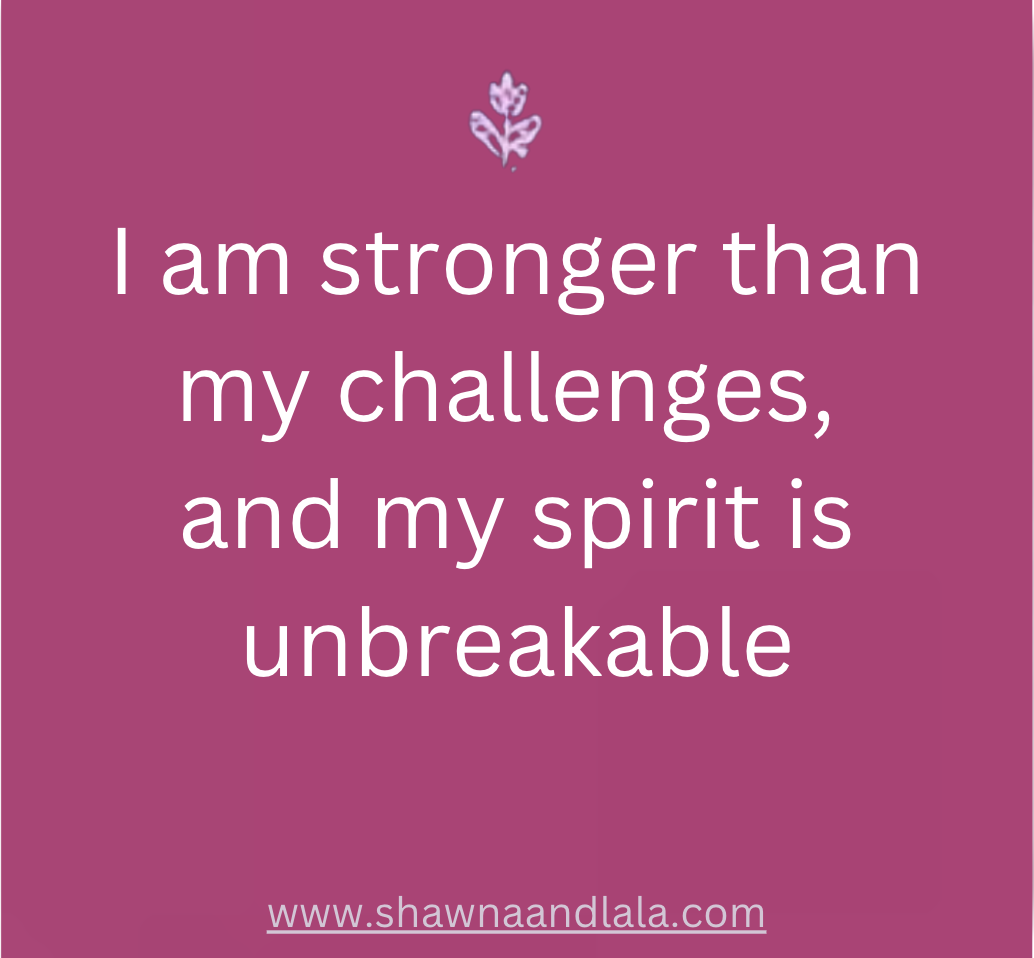
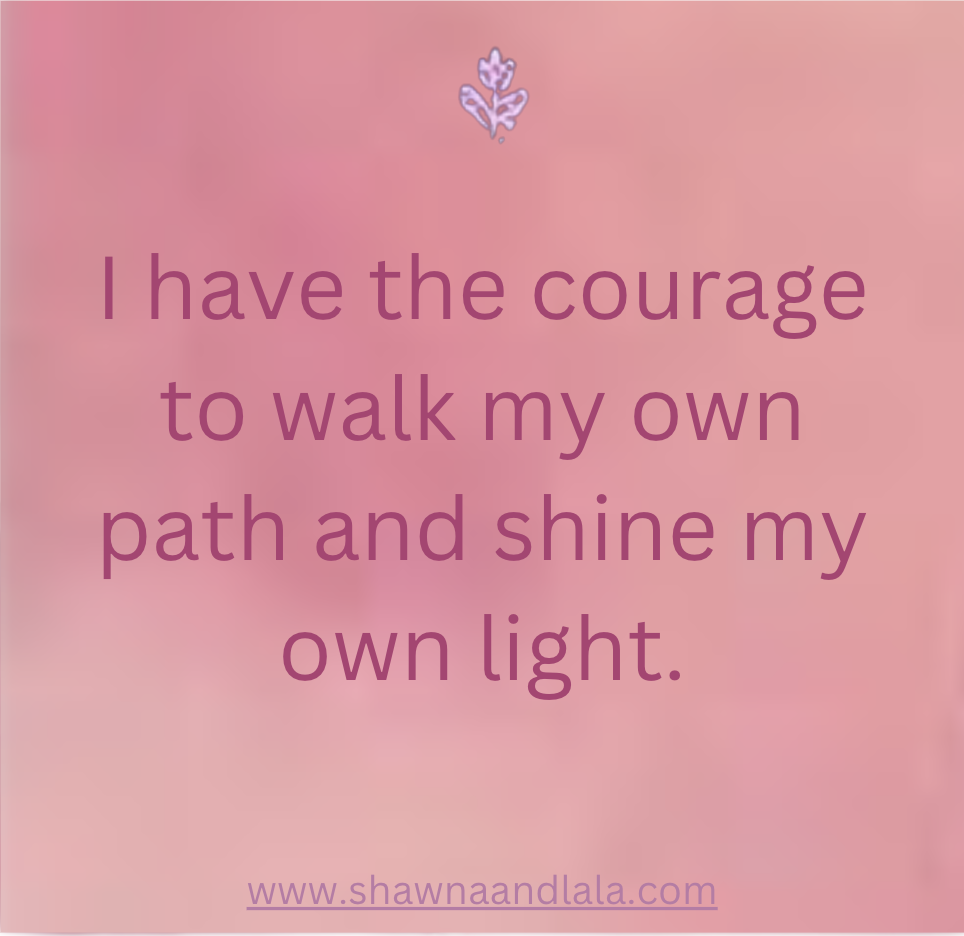
Affirmation cards

How do I save an affirmation card to my computer or phone? To save an affirmation card to your computer, right click on the affirmation card you'd like to download and choose "Save Image As".
On a mobile device, tap on the image and then press and hold on the affirmation card until you see a prompt to "Save to Photos". Tap on Save to Photos to complete the download

Affirmation quote
Affirmation quote
Affirmation quote
Affirmation quote
Affirmation quote
Affirmation quote
Affirmation quote
Affirmation quote
Affirmation quote
Affirmation quote
Affirmation quote
Affirmation quote
Shawna & LaLa

Listen to our Podcast on:

Spotify Podcast Youtube

Follow us on Social Media:

Facebook X-twitter Instagram Tiktok

Shawna & LaLa

  • About Us
  • Podcast
  • Press
  • Blog
  • Contact Us

Shawna & LaLa

  • About Us
  • Podcast
  • Press
  • Blog
  • Contact Us
Accessibility Adjustments

Powered by OneTap

How long do you want to hide the toolbar?
Hide Toolbar Duration
Select your accessibility profile
Vision Impaired Mode
Enhances website's visuals
Seizure Safe Profile
Clear flashes & reduces color
ADHD Friendly Mode
Focused browsing, distraction-free
Blindness Mode
Reduces distractions, improves focus
Epilepsy Safe Mode
Dims colors and stops blinking
Content Modules
Font Size

Default

Line Height

Default

Color Modules
Orientation Modules
Shawna & LaLa
  • Data Centre Cleaning
  • Post Construction Cleaning
  • Passive Fire Protection
  • Raised Access Flooring
  • Ailse Containment
  • Zinc Whiskers
Contact Us
  • UKInfo@criticalfacilitiessolutions.com
  • +44 (0) 1246 822581